
Some links in this article are affiliate links. If you buy through them, we may earn a commission at no extra cost to you. How this works.
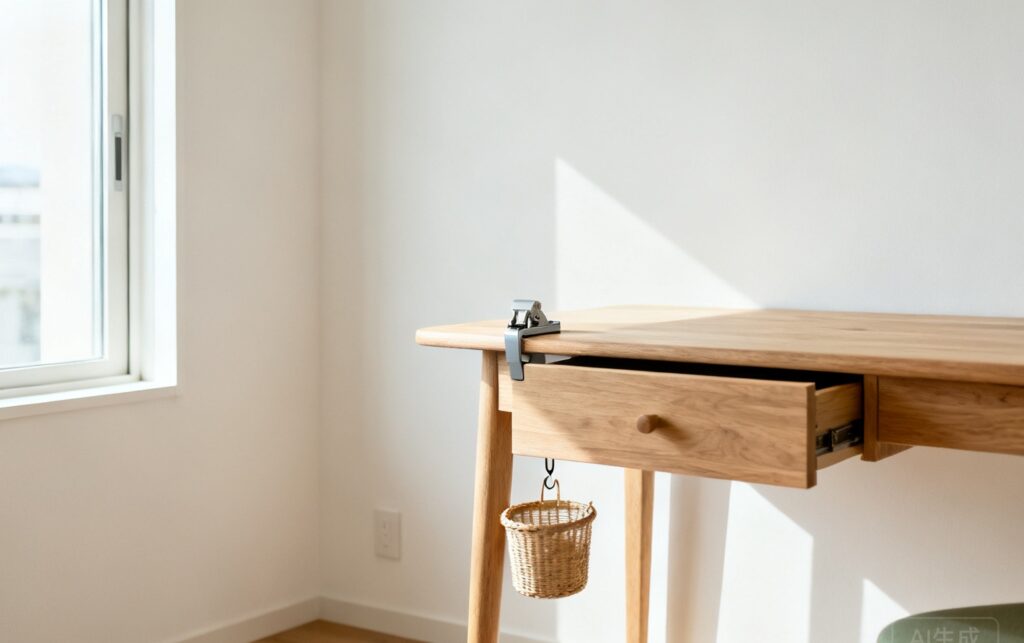
An under-desk mount is the cheapest square footage in any rental. The floor of a desk is wasted space, and the wall behind it is off-limits the moment your lease says “no holes.” The good news: almost everything people bolt under a desk — a PC tower, a laptop, cable trays, a drawer — can be held by a clamp or an adhesive strip instead.
The catch is that “no drill” under-desk products split into two very different mechanisms, and picking the wrong one for your desk is why so many of them end up in a drawer. Here are six solutions that hold, with the real weight limits and prices.
Disclosure: This post contains affiliate links. If you buy through them, we may earn a small commission at no extra cost to you. We recommend products based on published specifications, the volume of real-world reviews, and how well they fit the specific problem. We have not hands-on tested every item; where an article is based on direct use, it says so.
The short answer
| Solution | How it attaches | Holds | Price | Best for |
|---|---|---|---|---|
| Cable management tray | Clamp or adhesive | 10-20 lb | $14-40 | Every desk, first upgrade |
| PC tower mount | Clamp or adhesive | 30-77 lb | $35-50 | Tower PCs, floor space |
| Laptop mount | Adhesive | 10-15 lb | $13-15 | Standing/walking desk setups |
| Sliding drawer | Adhesive | 5-11 lb | $16-23 | Pens, cables, notebooks |
| CPU holder (adjustable) | Screw-mount or clamp | 22-30 lb | $34-43 | Swapping towers often |
| Keyboard tray | Clamp (C-clamp) | 10-15 lb | $36-50 | Adding a pull-out surface |
The one rule that decides everything: a C-clamp grips the desk edge and is removable and reusable; adhesive bonds to the underside and is permanent-ish (removable with heat, but not repeatedly). If your desk edge is thicker than 2 inches or rounded, adhesive is your only option.
1. Cable Management Tray — the first thing to buy
Picks:
- Metal Mesh Cable Management Tray, No Drill, Clamp Mount — $13.99, ★4.6, 3,300 reviews
- No Drill Steel Cable Management Tray, 15.7″ — $16.99, ★4.7, 5,400 reviews
A cable tray is the highest-value no-drill upgrade you can make, and the numbers back it up: these two products alone carry 8,700 reviews at 4.6-4.7 stars. That volume means the design has been refined by thousands of real installs.
The tray mounts under the desk with a clamp that tightens by hand, holds your power strip and the tangle of cables that currently loops off the back edge, and lifts all of it off the floor. No more vacuuming around a nest of cords, and no more kicking the power strip loose.
Measured detail that matters: the mesh version is 15.7 inches long and mounts to desk edges up to roughly 2 inches thick. Measure your desk’s rear edge thickness before ordering — clamp jaws are the one spec that varies and the one people get wrong.
Use for: every desk, no exceptions. Buy this first.
2. Under-Desk PC Mount — reclaim the floor
Picks:
- VIVO Under Desk / Wall Office PC Mount, MOUNT-PC01 — $34.99, ★4.3, 2,200 reviews
- VIVO Large Under Desk PC Mount, MOUNT-PC01L — $49.99, ★4.3, 2,200 reviews
- Under Desk PC Mount, No-Drill Clamp Holder — $39.97, ★4.6, 225 reviews
A mid-tower PC is the single biggest object under most desks. Suspending it does two things: it frees the floor for your feet, and it lifts the intake off carpet, which is the most common cause of a tower running hot in a small apartment.
The three options here split by mechanism. The two VIVO brackets (MOUNT-PC01 / PC01L) are the volume leaders at 2,200 reviews each and mount either under a desk or on a wall — useful if you want the tower off the floor entirely. The PC01 holds a standard tower; the PC01L is the wide version for larger cases.
The no-drill option is the clamp holder, which grips the desk leg or edge and needs no fasteners at all. Note the 80x50mm VESA-style mounting pattern in the spec — check your tower’s back panel for the same hole spacing before buying, because not every case has one.
Measured detail: the clamp version is rated to about 30 lb, enough for a standard tower but not a full-tower workstation. Weigh your case loaded before you commit.
3. Under-Desk Laptop Mount — for walking-desk setups
Pick: Wall & Under Desk Laptop Mount Holder, Adhesive & Screws — $14.99, ★4.2, 382 reviews
If you have a treadmill desk, a walking pad, or you just want the laptop out of the way when you use an external monitor, an adhesive laptop holder parks it under the desk where it’s protected and vented.
This one accepts laptops up to 1.02 inches (26 mm) thick — that covers a MacBook Air, most ultrabooks, and 14-inch business laptops. It ships with both adhesive and screws, so it’s genuinely no-drill if you use the adhesive.
The catch: 4.2 stars across 382 reviews is decent but not stellar, and the pattern in the complaints is always the same — adhesive applied to a dusty or textured underside. Wipe the surface with rubbing alcohol first and it holds for years.
4. Sliding Under-Desk Drawer — instant storage
Picks:
- Under Desk Drawer Organizer, 2-Pack (Large & Small) — $22.99, ★4.3, 1,500 reviews
- YOOUSOO Under Desk Drawer, 2-Pack Self-Adhesive — $15.99, ★4.2, 2,000 reviews
These are self-adhesive trays that slide out like a drawer and stuck to the underside of the desk. No tools, no clamps, five minutes of install. They’re the fastest way to clear pens, cables, a notebook, and the loose change that accumulates on every desk top.
Buy a 2-pack, not a single. Both sets here ship with a large and a small drawer, which lets you put the big one under your main writing position and the small one under the monitor edge.
The honest limitation: adhesive drawers hold light items only. Think 5-11 lb. Load one with a hardcover book stack and it will peel. Keep them for stationery, cables, and small electronics.
5. Adjustable CPU Holder — if you swap hardware
Pick: Adjustable Computer Tower Stand, Ventilated Mobile CPU Holder — $16.99, ★4.5, 3,200 reviews
Not every tower belongs under the desk. If you upgrade your PC often — or you want it off the carpet but still easy to reach — an adjustable wheeled holder keeps it mobile and ventilated while raising it clear of dust and moisture.
At 3,200 reviews and 4.5 stars, this is the most-reviewed CPU holder in the category. The adjustable width is the point: it fits towers from roughly 4 to 9 inches wide, so it survives your next upgrade.
This is the floor-standing exception on this list — it doesn’t mount to anything. If your lease allows a tower on a stand but not a bracket on the desk, it’s the no-drill compromise.
6. Clamp-On Keyboard Tray — add a surface without drilling
Pick: VIVO Clamp-on Keyboard Tray, 27 x 11 in, MOUNT-KB05E — $49.99, ★4.4, 14,100 reviews
The 14,100 reviews on this tray are the highest on this entire list, and they point to the same conclusion: a clamping keyboard tray is the reliable way to add a pull-out surface to a desk that has none.
It attaches with a C-clamp under the front edge — no drilling, fully removable, and it doesn’t leave a mark. The 27 x 11 inch platform holds a full keyboard plus a mouse, and the clamp fits desk tops up to about 2 inches thick.
The measured rule for keyboard trays: mount the tray so the platform sits 1-2 inches below the desk surface. Higher and your knees hit it; lower and your wrists drop below a comfortable typing angle. Most installs get this wrong because the clamp has multiple height holes — use the hole that puts the surface closest to flush without binding.
Everything on this list takes an object off the floor and puts it within arm’s reach — the same trade described in the vertical rule.
The three rules that decide whether your mount holds
1. Clamp for removable, adhesive for permanent-ish. A clamp comes off in 30 seconds and goes on your next desk. Adhesive is stronger and lower-profile but is designed to be applied once. If you move apartments every year, weight your choices toward clamps.
2. Respect the adhesive cure time. Every self-adhesive product on this list needs 24 hours under light load before you put anything in it, and a full clean-and-wait prep. Skipping this is the origin story of nearly every one-star “it fell off” review.
3. Halve the rated capacity for anything load-bearing. Adhesive and clamp ratings are measured on ideal surfaces at room temperature. On a laminate desk in a warm apartment, assume you get half. A tray rated for 20 lb is a 10 lb tray in practice.
The adhesive drawer used above a sink is the same product used under a desk; the other cabinet version of this problem is in no-drill under-sink organizers.
Choosing in 30 seconds
- First upgrade, any desk → cable management tray ($14-17)
- Floor space is the problem → under-desk PC mount ($35-50)
- Walking/standing desk → adhesive laptop mount ($15)
- Clutter on the desktop → self-adhesive sliding drawer 2-pack ($16-23)
- You upgrade hardware often → adjustable CPU holder on wheels ($17)
- No pull-out surface at all → clamp-on keyboard tray ($50)
If the desk itself is what you are short of, storage you can put away is the other half of the answer: foldable desk specs and failure patterns.
More no-drill guides
- No-Drill Under-Sink Organizer: A Renter’s Setup Guide
- No-Drill Wall Shelves for Renters: 6 Types That Hold
- No-Drill Closet Rod: How to Hang Clothes Without a Drill
- No-Drill Shoe Storage for a Small Entryway
- Renter-Friendly Picture Hanging: No Nails, No Holes
- No-Drill Under-Desk PC Mounts — clamp-on mounts for desktop towers
- No-Drill Under-Desk Storage Drawers — drawer and tray systems
- Storage Bin Calculator — how many bins fit your shelf or closet
Disclosure: This post contains affiliate links. If you buy through them, we may earn a small commission at no extra cost to you.